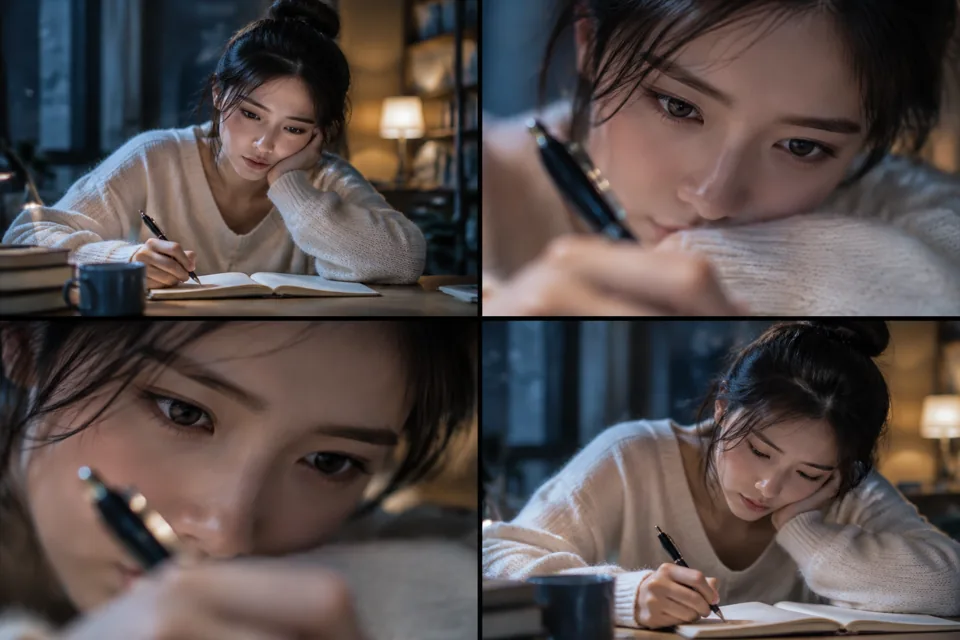
 STORYBOARD PREVIEW
A four-frame storyboard of the prompt’s visual direction. Actual video results depend on generation.
- Model
- sora-2
- Duration
- 4s
- Aspect ratio
- 16:9
- Resolution
- 720p
- Images
- 0
- Media refs
- — / —
Make the shot betterCookbook 原文:「same shot, switch to 85 mm」「Editing is for nudging, not gambling」—— 这条把 Edit Workflow 直接转成可复用模板
What to look for本站尚未实测。检查主体一致性、运镜连续性与动作完整性;参考原始来源核对效果。
Community source · not tested on GenOpenAI Cookbook — Iterate with video edits ↗ · cclank/lanshu-awesome-ai-video-kit
MIT (repository)
The complete prompt v1
Original model: Sora · sora-2
Original parameters: {"aspect": "16:9", "duration": "4s"}
A model category does not mean it is available on Gen. Check the studio for currently available models; review settings when adapting a prompt across models.
Reuse carries the prompt, model, duration, ratio and published references into the studio. Add any missing files and review the price before submitting.
Read the video guide